1. Download and unzip
Download the file above and double-click it to unzip. You'll get a folder called fantasymath-extension-0.7.0 — keep it somewhere it can stay (Chrome loads the extension from this folder, so don't delete it afterward).
2. Load it in Chrome
Type chrome://extensions in the address bar, flip on Developer mode (top right), then click Load unpacked and pick the unzipped folder. Pin the extension from the puzzle-piece menu so the popup is a click away.

3. Sign in
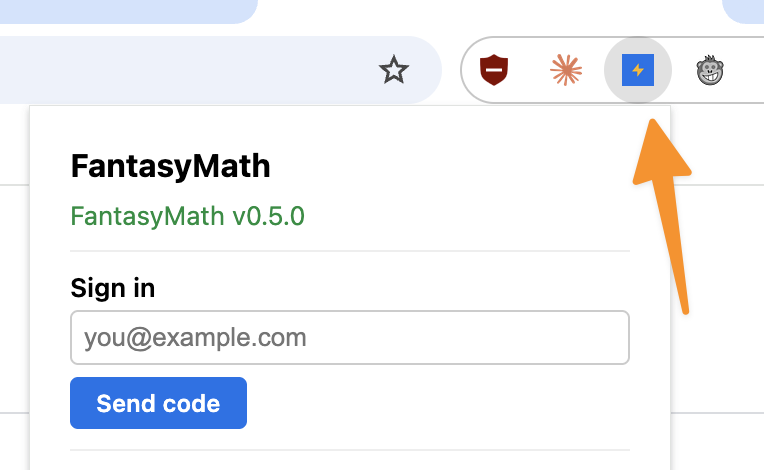
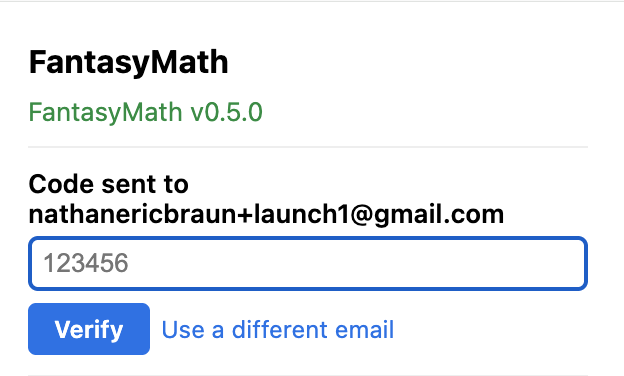
Click the bolt icon in the toolbar and enter the same email as your Fantasy God Mode account. We email you a six-digit code — no password.
4. Connect your league (ESPN)
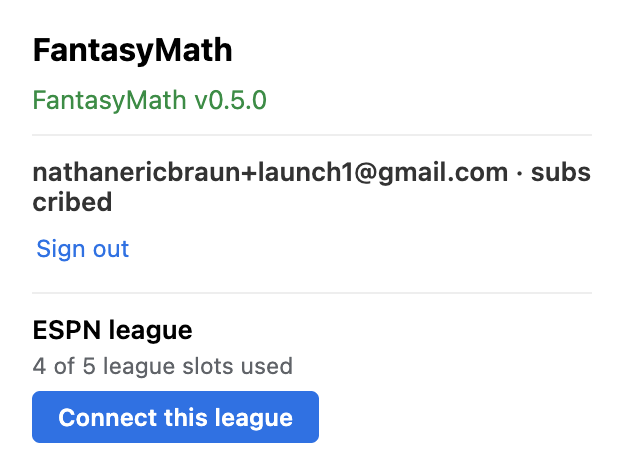
Sleeper and Fleaflicker leagues connect from the app by URL, and Yahoo connects with a Yahoo sign-in in the app — nothing to do here for any of those. ESPN is the one left: it has no public league data, so the extension connects it from your own account. Open your league in Chrome and the God Mode card on the page (or the bolt) gives you two ways to do it. Keep it fresh automatically saves your ESPN sign-in with us, so the league updates on its own, including on your phone. Chrome asks you to allow that when you pick it. Private mode keeps your ESPN sign-in in your browser. The extension reads the league right there on the page and sends us the league data, and the league updates whenever you open ESPN in Chrome. The app picks it up on its own either way.
5. Visit your league page
With God Mode on, win probabilities, projections and lineup advice sit right on the page — the before and after on the homepage shows what to expect.